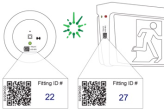
When installing each Emergency light and exit sign, ensure the QR code label provided with each luminaire is fixed in a visible location. Then add a Fitting ID number for reference against the site plan and register.
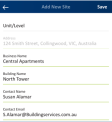
Login to your account or your Client’s account on the CleverSparky app then add in the site address, the name of the site and any other relevant information.
3.
Add the details of the installed fittings
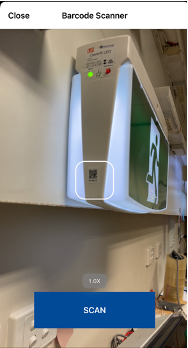
Option 1 – Mobile Device Scan the QR code of each fitting and enter the details
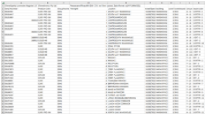
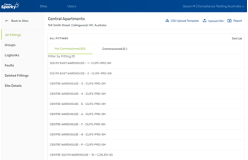
Option 2 – CleverSparky on PC Download the Excel template from your site page and upload the fitting register in bulk